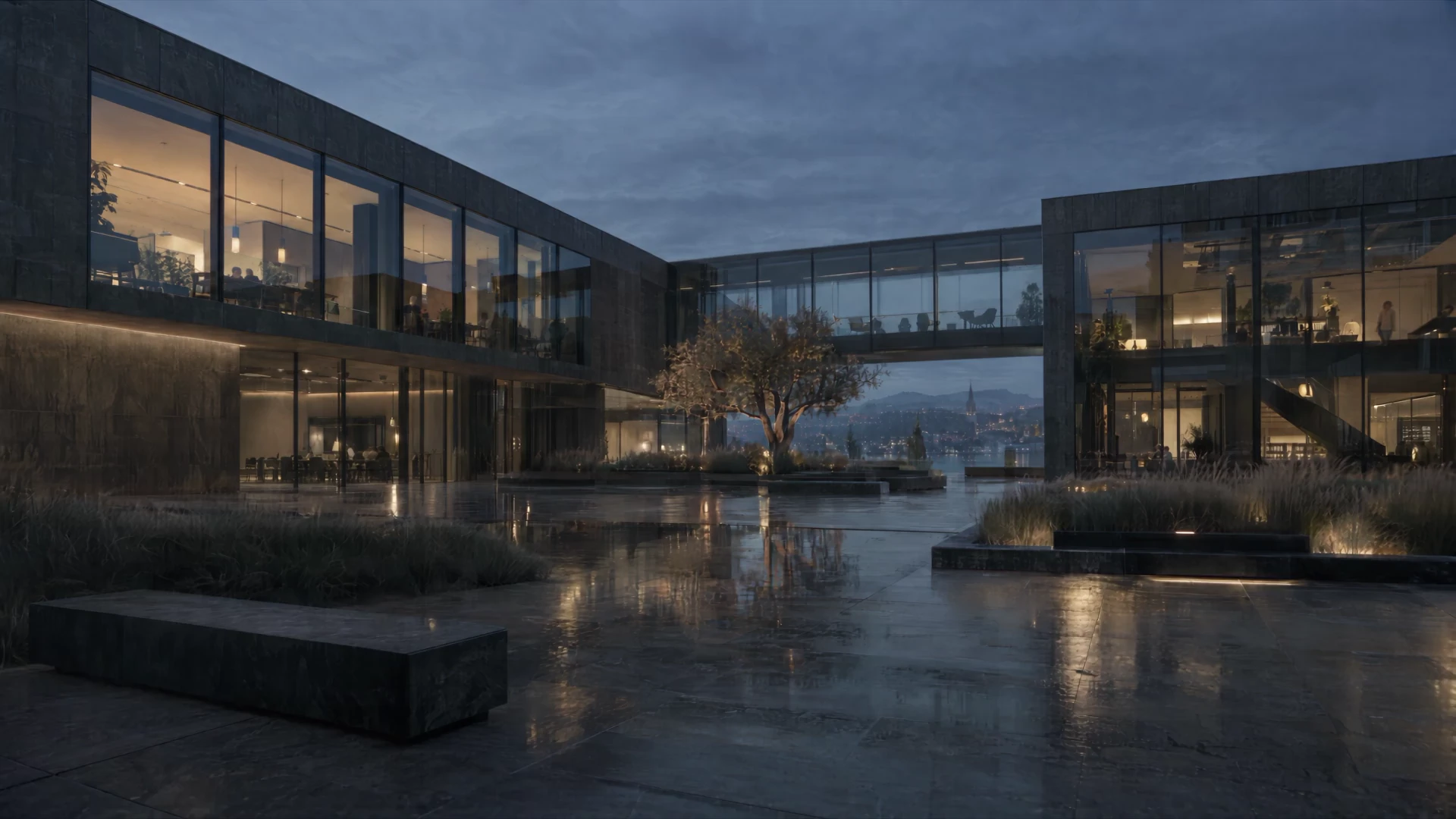
Serlio — Rethink spaces.
Architecture / Interiors / Real EstateYour AI tools for architecture, interiors and real estate.
Think in spaces.
From first concept to presentation: visualize sketches, design rooms, and connect your ideas in your own workflows.
How Serlio worksSERLIO ATELIER
From idea to space.
Render Studio Beta
From lines
to spaces.
A floor plan is the beginning. Develop your spatial idea in 2D and explore it in 3D.
Open Render Studio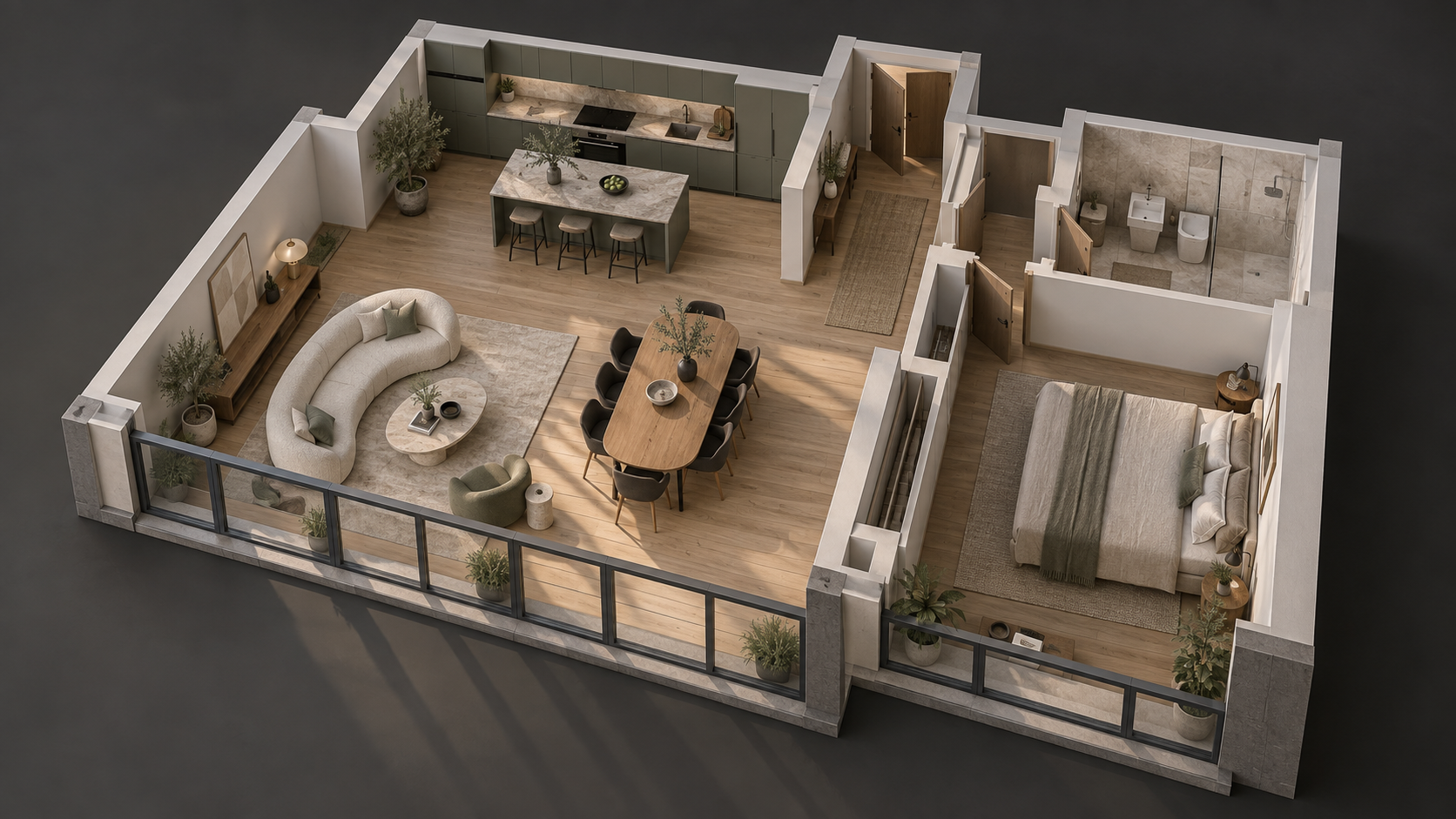
Canvas
Your project. On one canvas.
Connect images, prompts and AI tools to create your own workflow.
Create your own workflowActivate the view to pan and zoom.
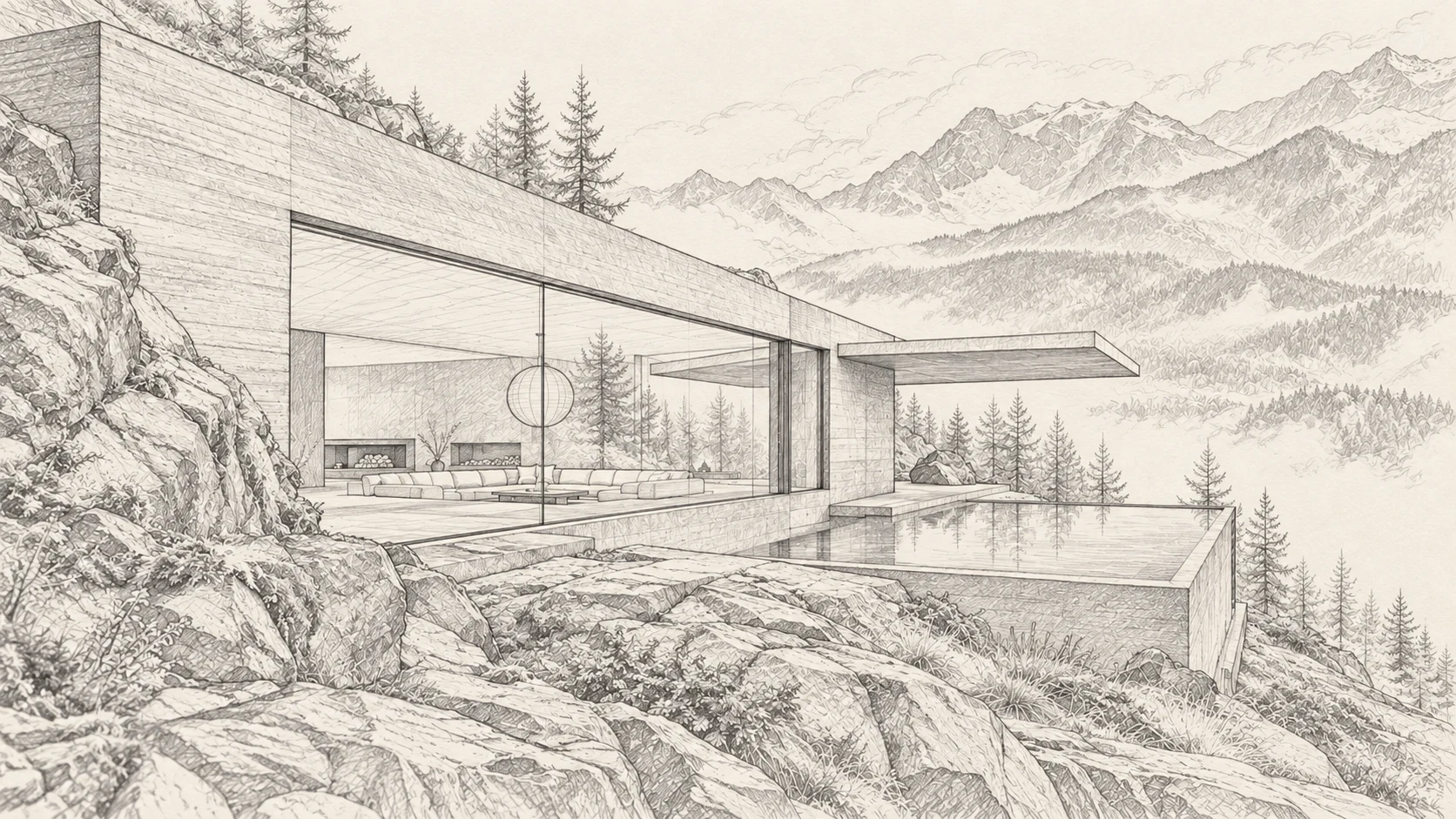
Sketch / Visualization
Lines become atmosphere.
Your sketch and an idea for light and materials become a spatial visualization.
Visualize a sketchWorking with Serlio
Your project.
Three steps.
- 01
Bring your own image
Start with an architectural sketch, a room photo or a visualization.
- 02
Describe the change
Choose a workflow and describe the furnishings, materials or atmosphere you want.
- 03
Review the result and explore further
Compare the visual concept with your design and develop more variations.
What would you like to change?
Visualize sketches
Show the light, materials and atmosphere of your sketch.
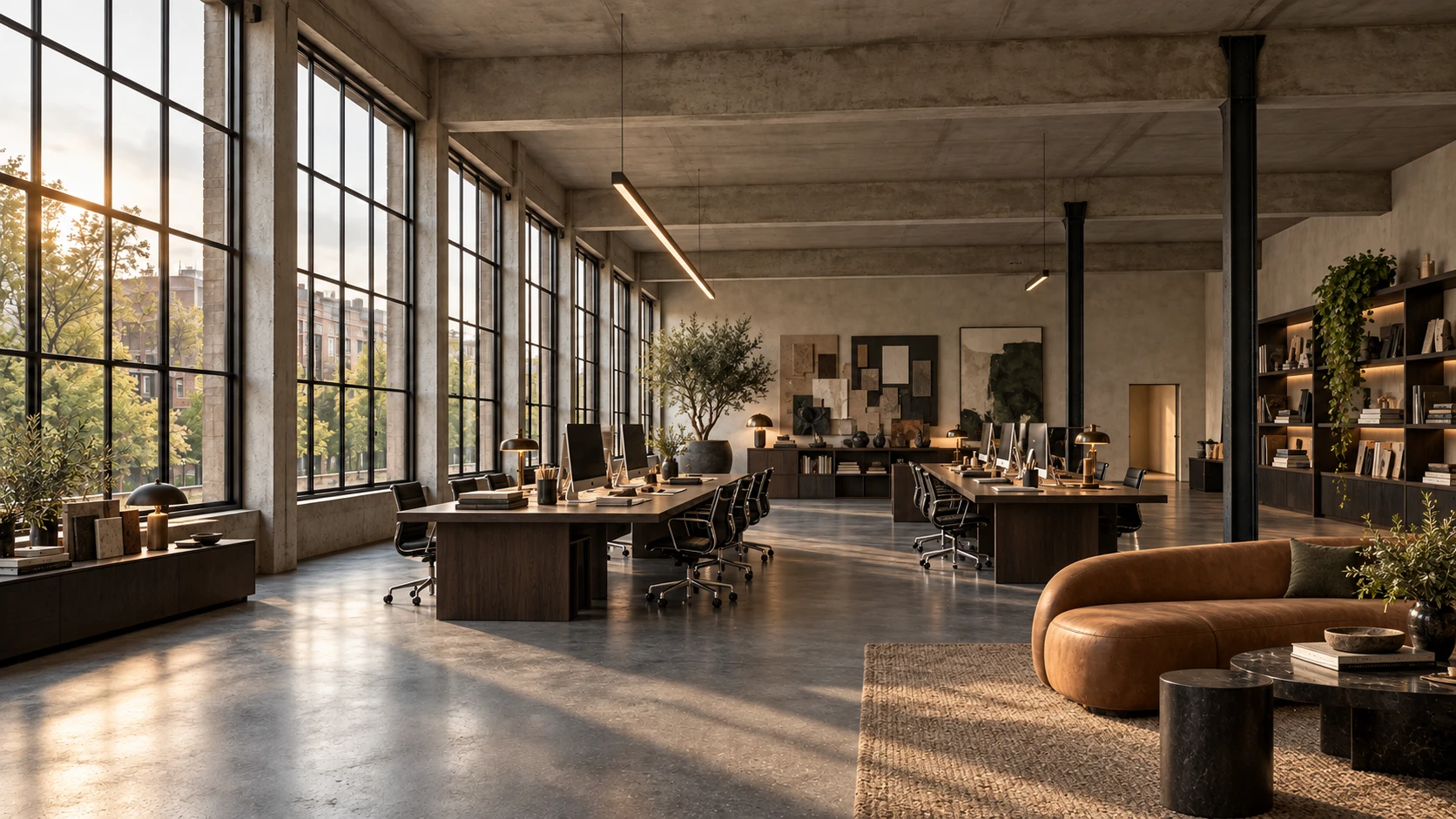
Furnish rooms virtually
Explore furnishings and atmosphere in your room.
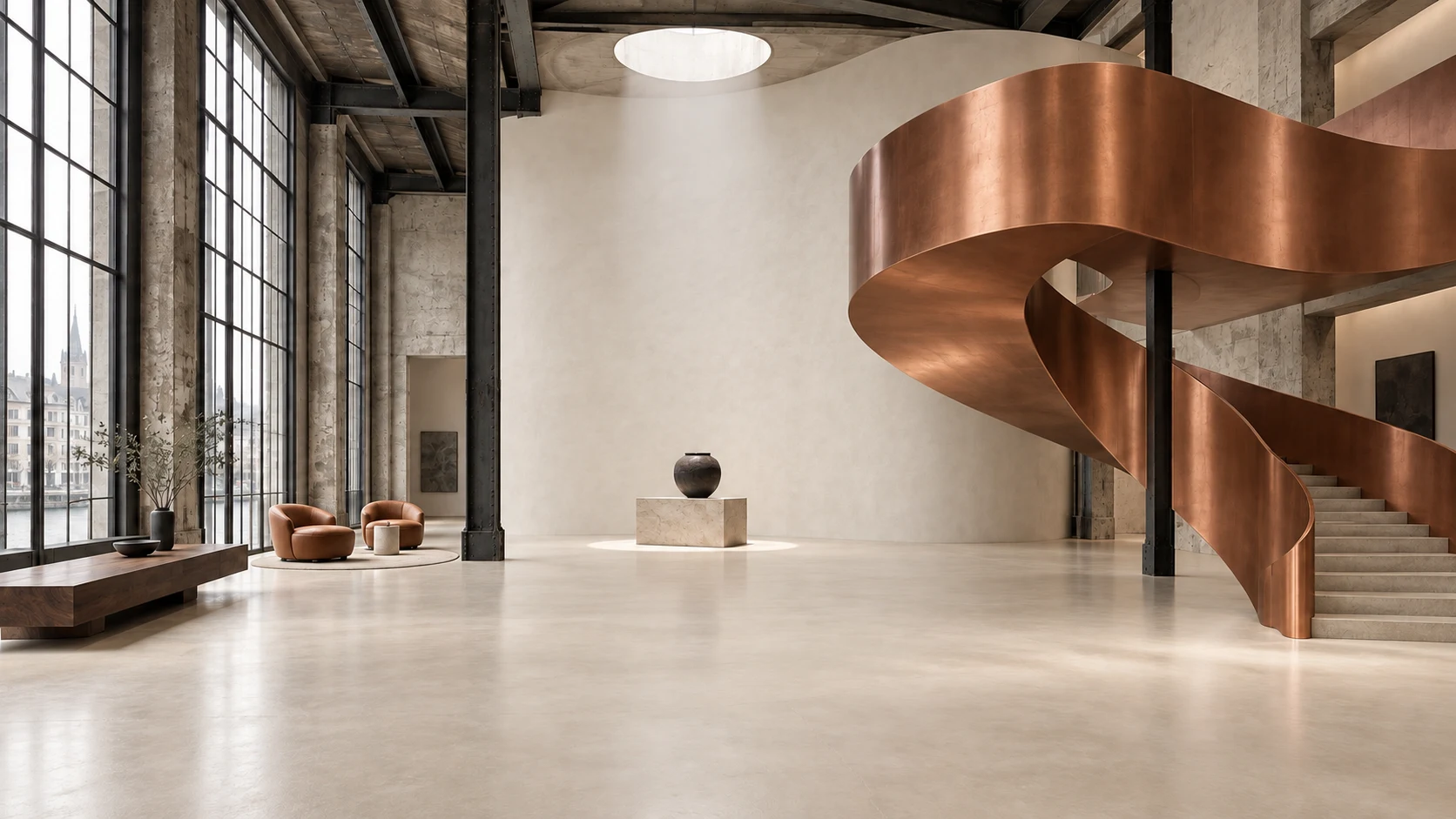
Change materials and styles
Compare materials and new design directions.
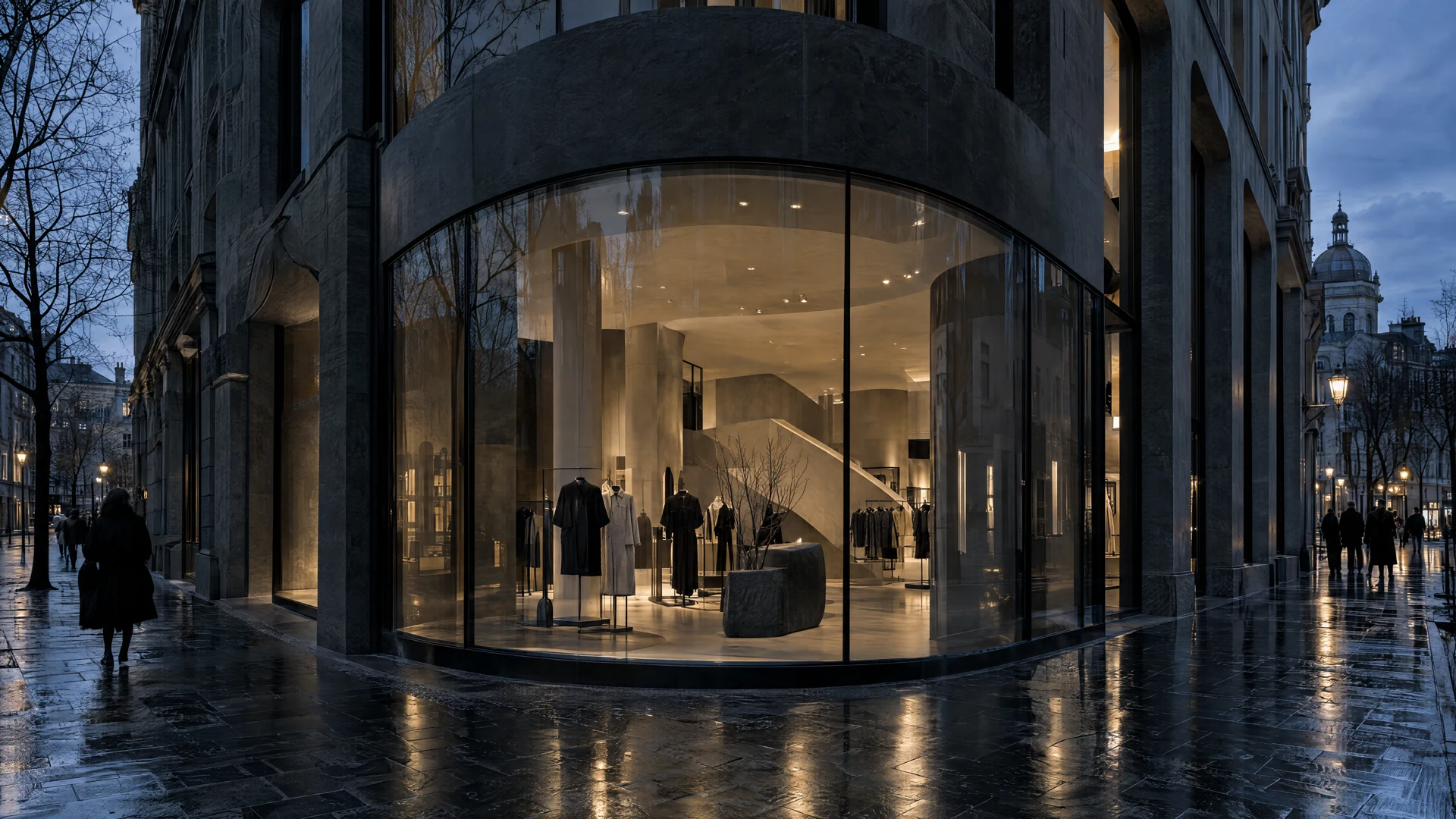
Design branded spaces
Translate a brand idea into a space.
Turn images into videos
Bring your visualization to life.
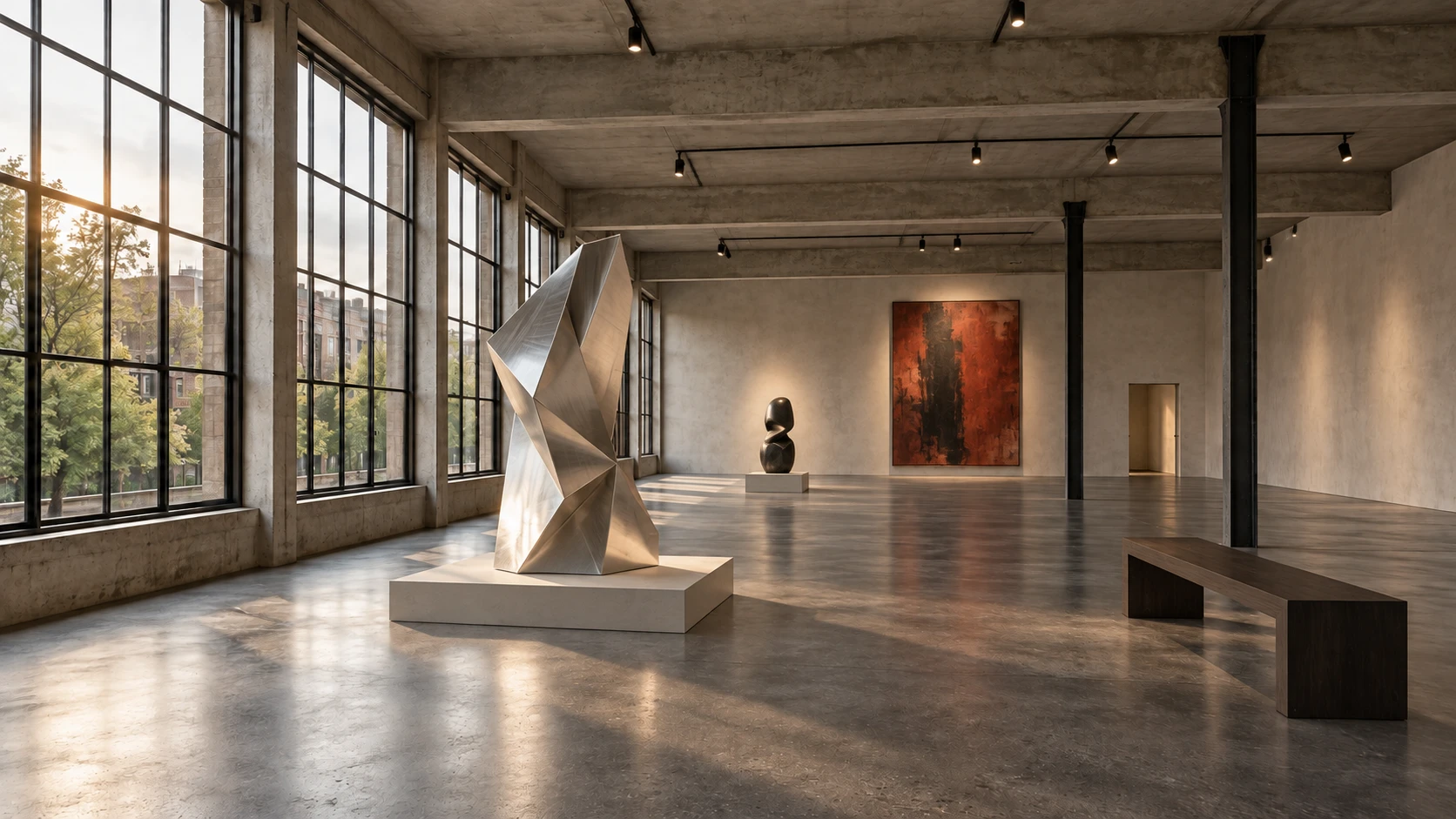
Connect your own workflows
Connect your tools to create your own workflow.
Illustrative AI concept studies.
Your profession. Your tool.
Your idea at the centre.
Your profession in focus.
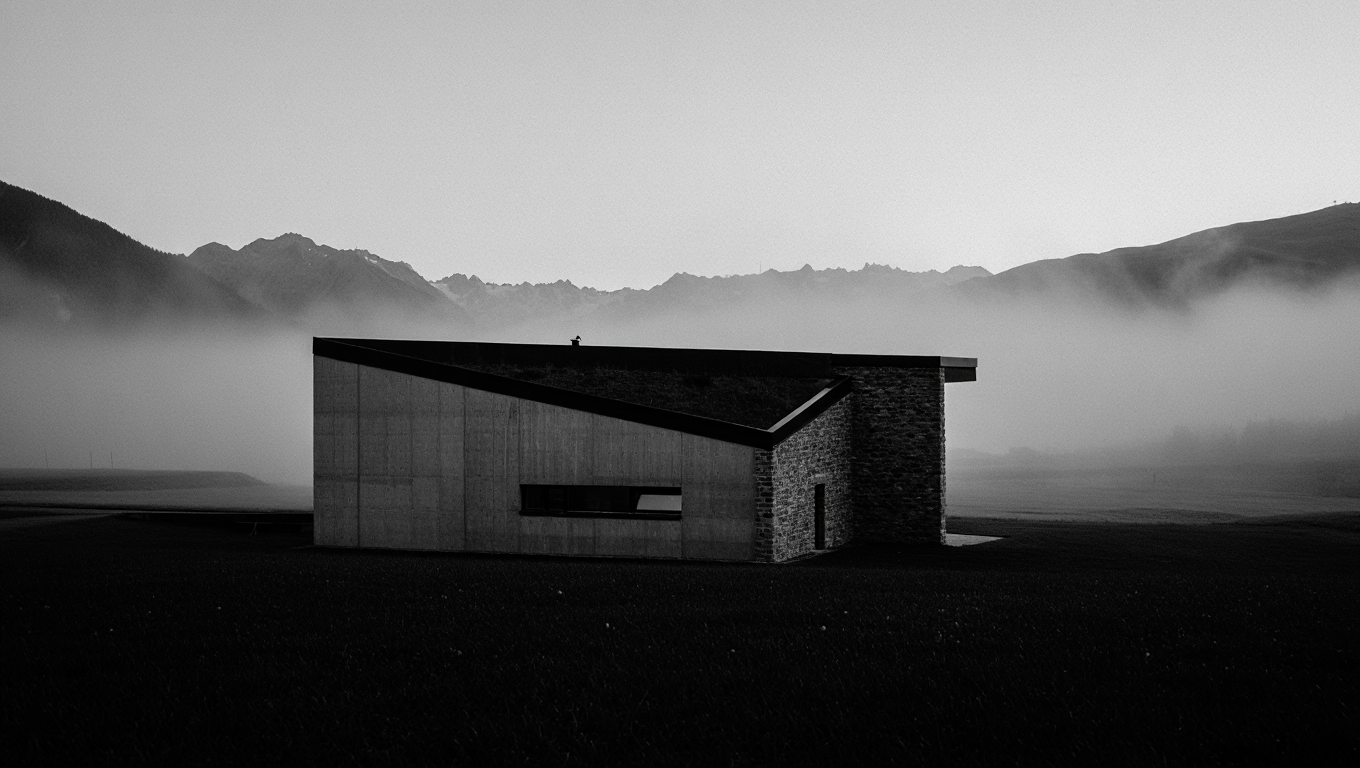
For architects
One design.
Many possibilities.
Explore how materials, light and perspective affect your design. Show your clients where an idea could lead.
- Visualize sketches and designs
- Discuss design variations
- Develop moods for presentations
For interior designers
Transform spaces.
Evoke emotions.
From bright and calm to expressive and urban: make different spatial ideas visible before choosing a direction.
- Explore interior styles
- Compare material and colour ideas
- Discuss design directions with clients
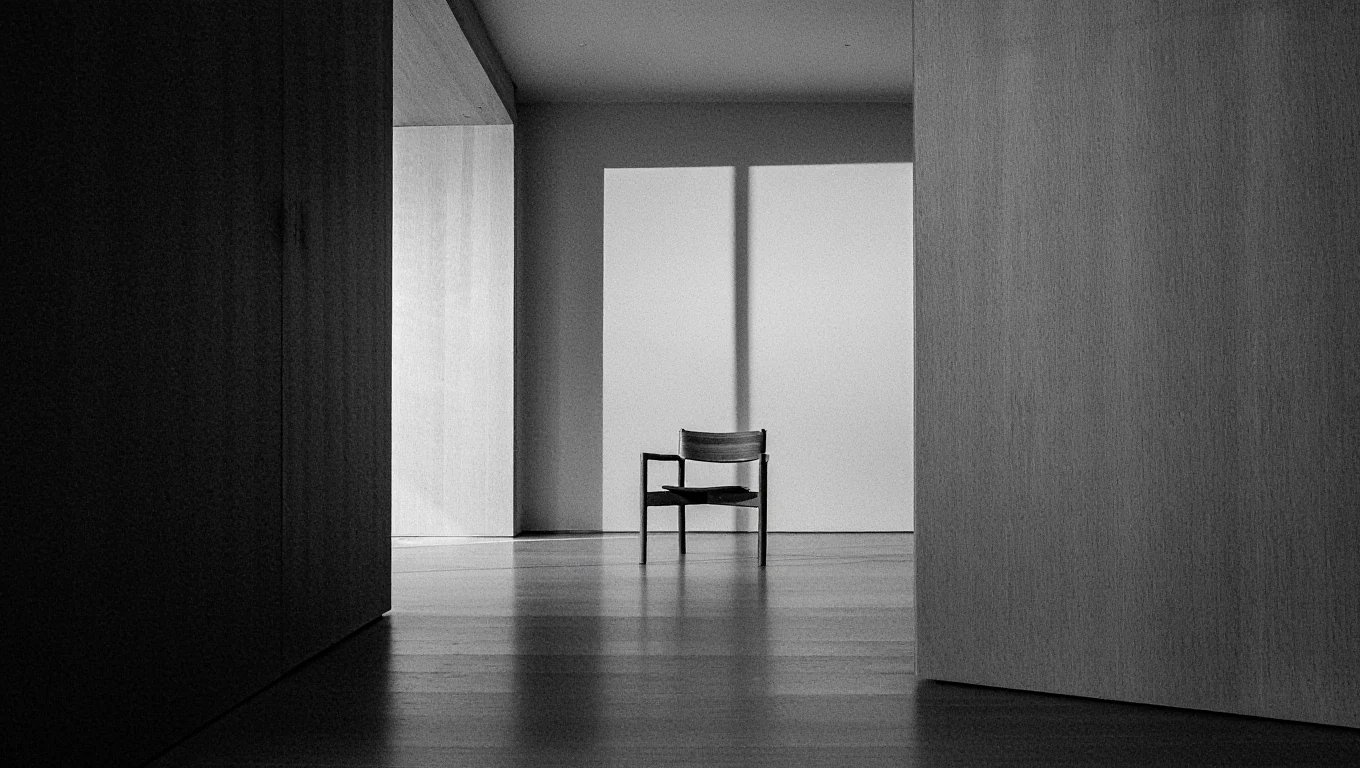
For real estate professionals
More than floor space.
A potential home.
Help prospective buyers see the potential of an empty space. Develop furnishing ideas for your marketing and label them as visualizations.
- Virtually furnish empty rooms
- Show a property's living potential
- Develop visual ideas for property listings
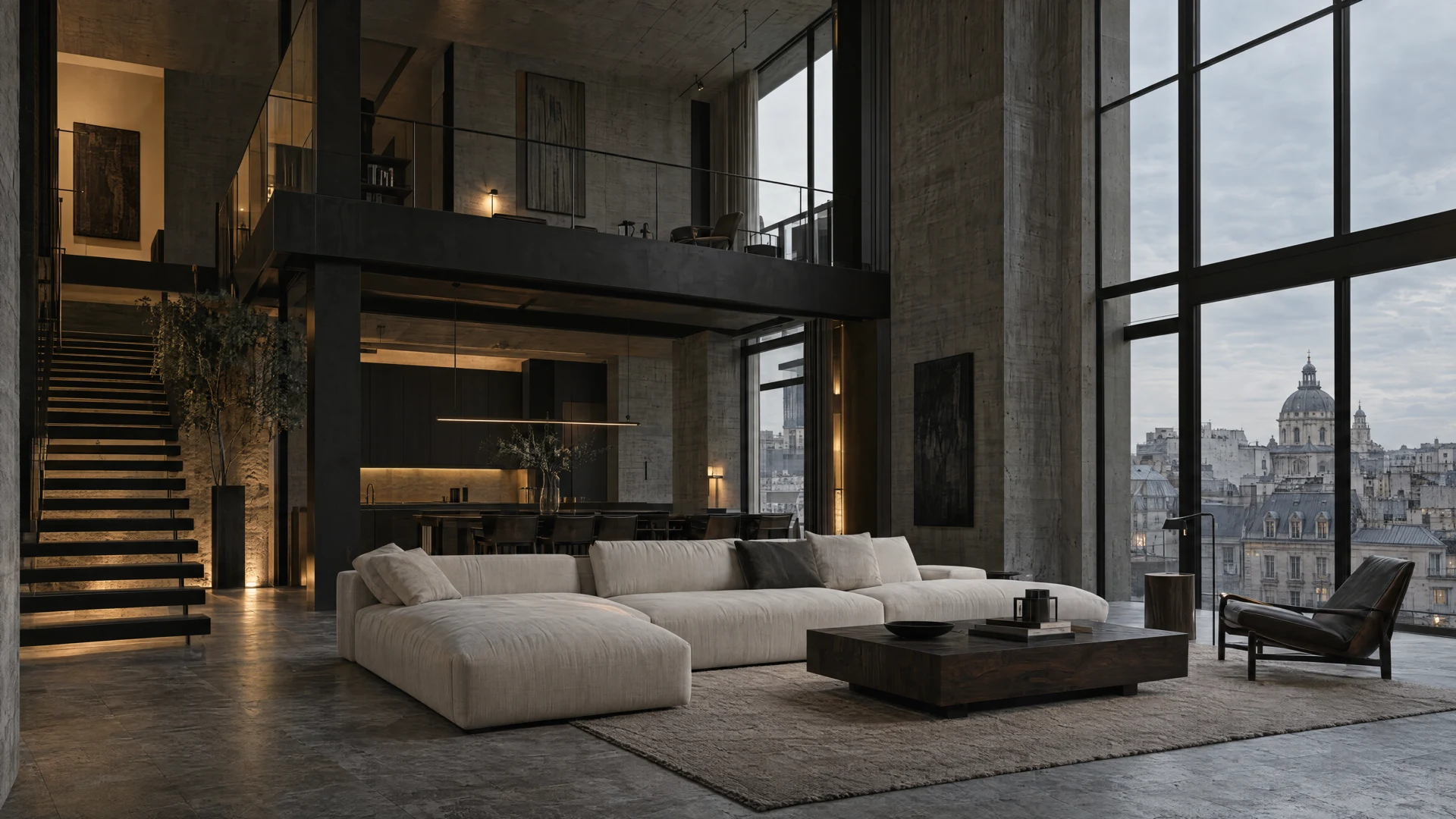
More than beautiful images.
New perspectives.
New perspectives on work, culture and connection.
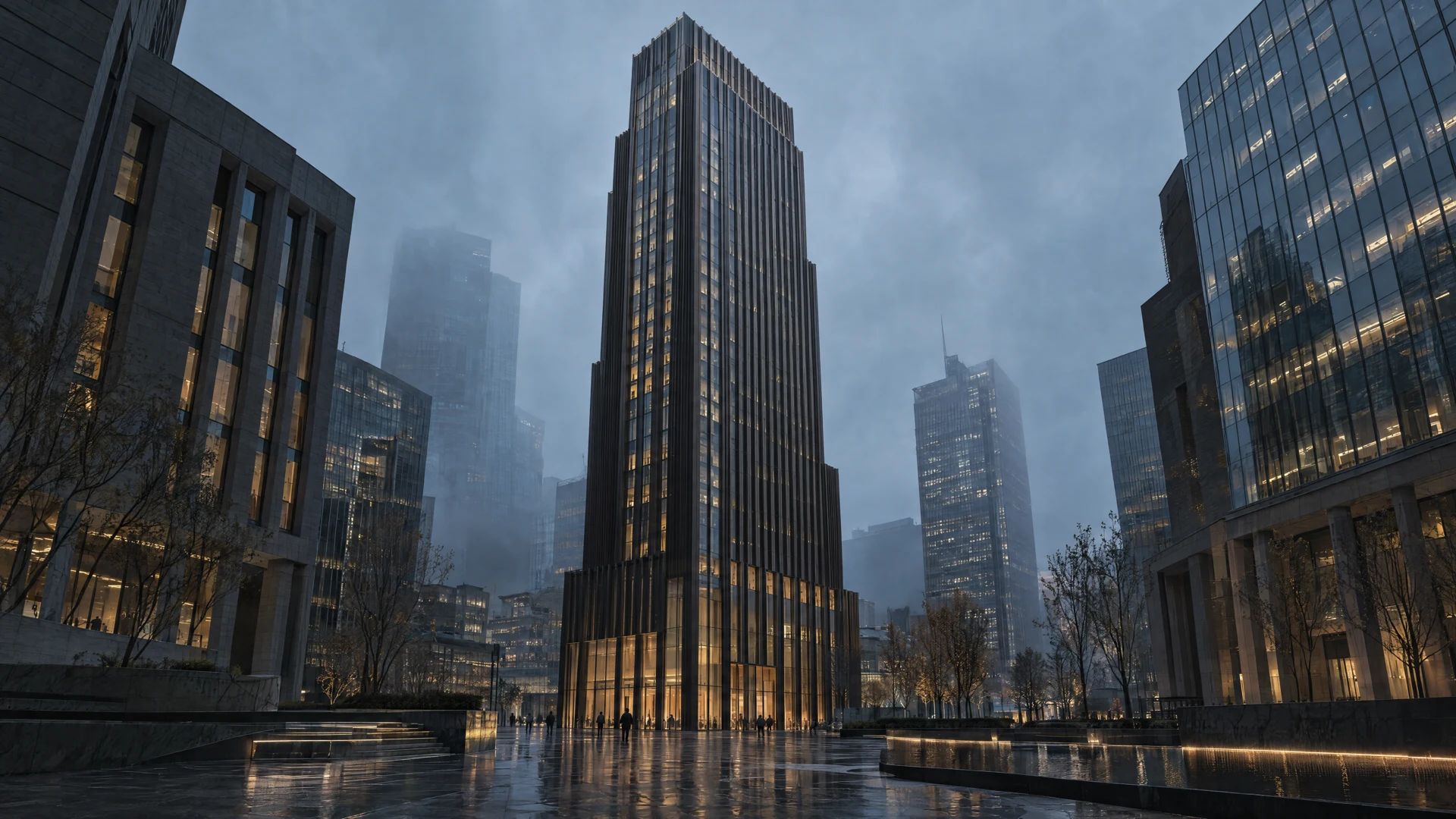
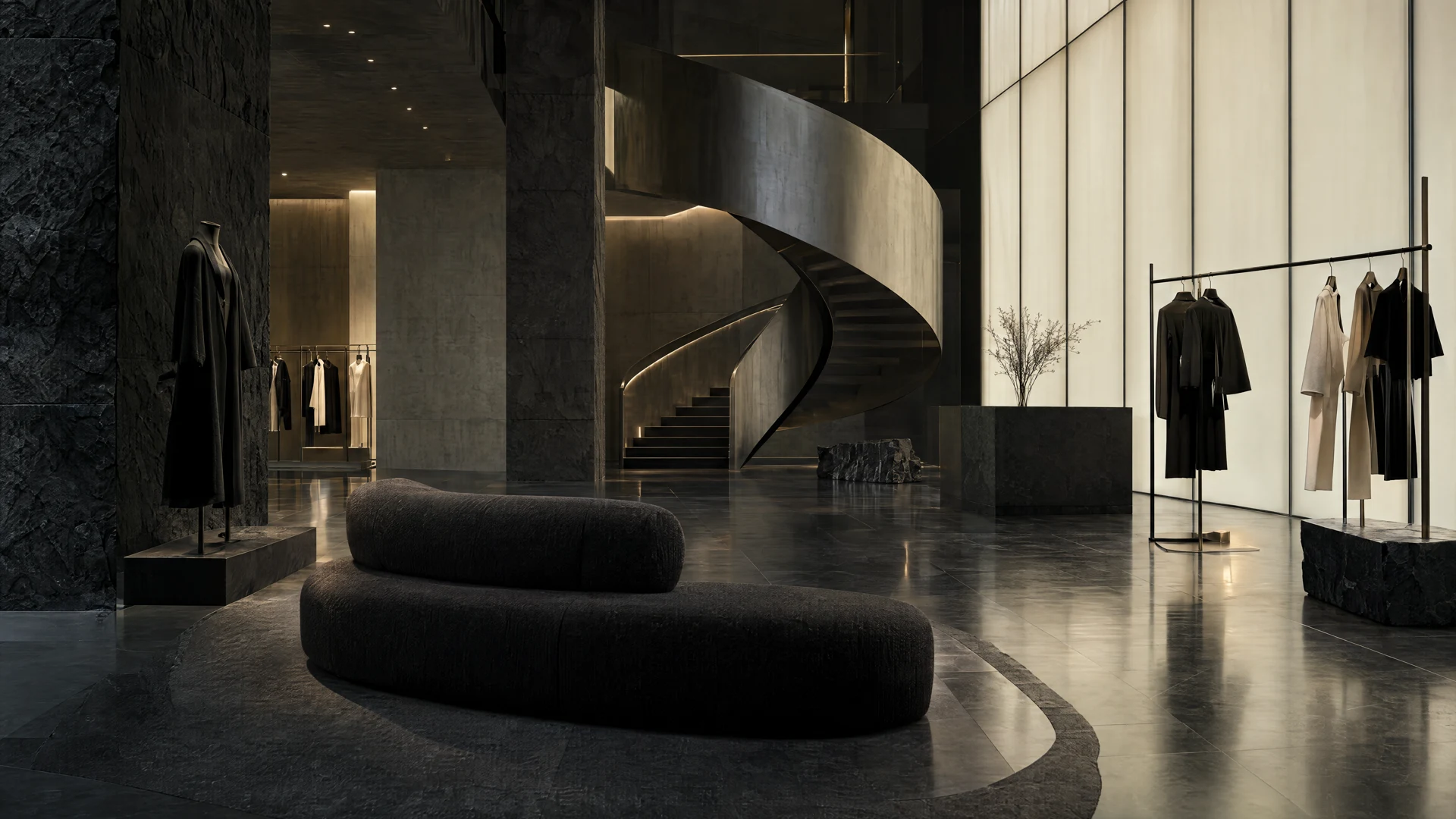
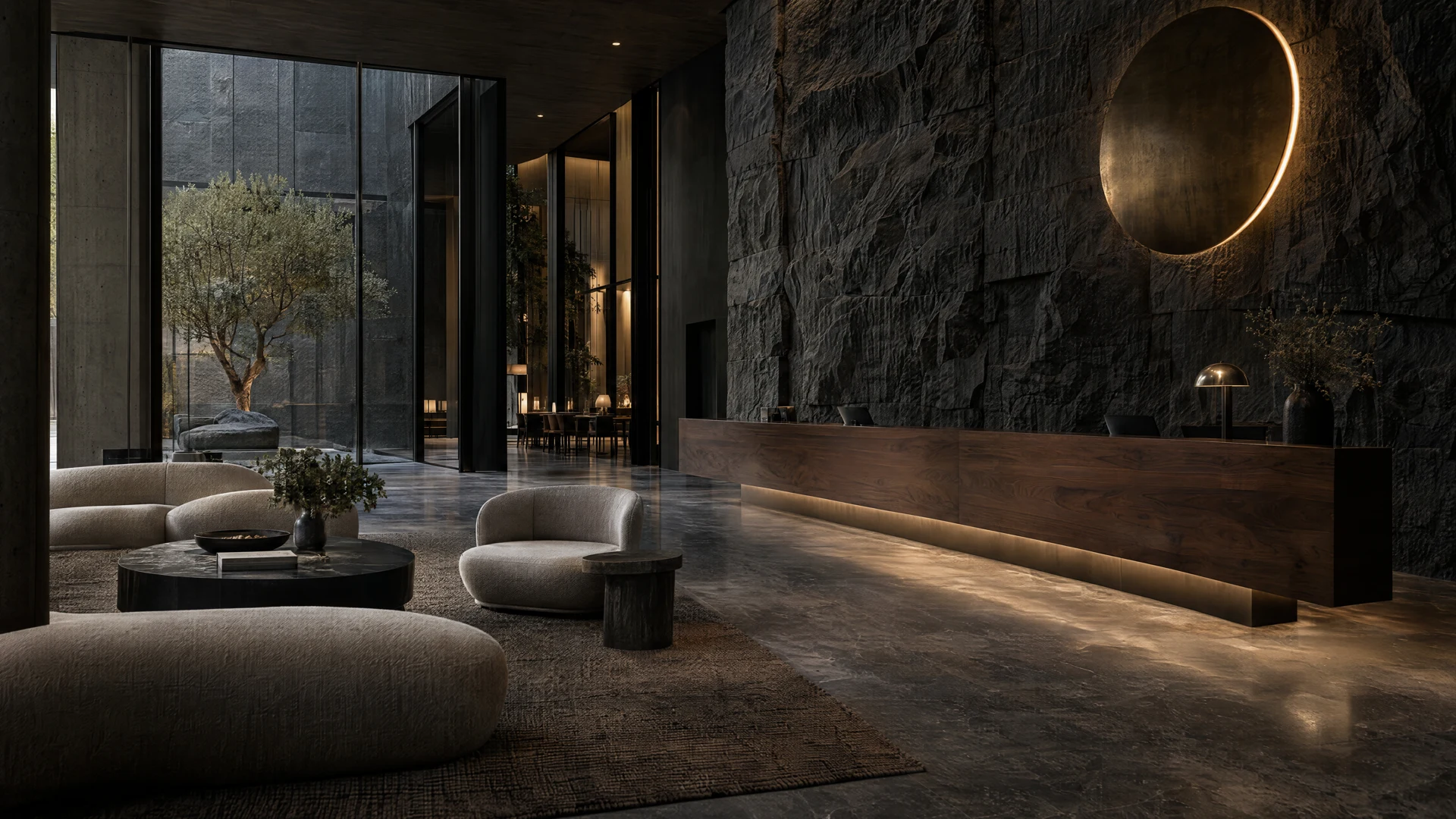
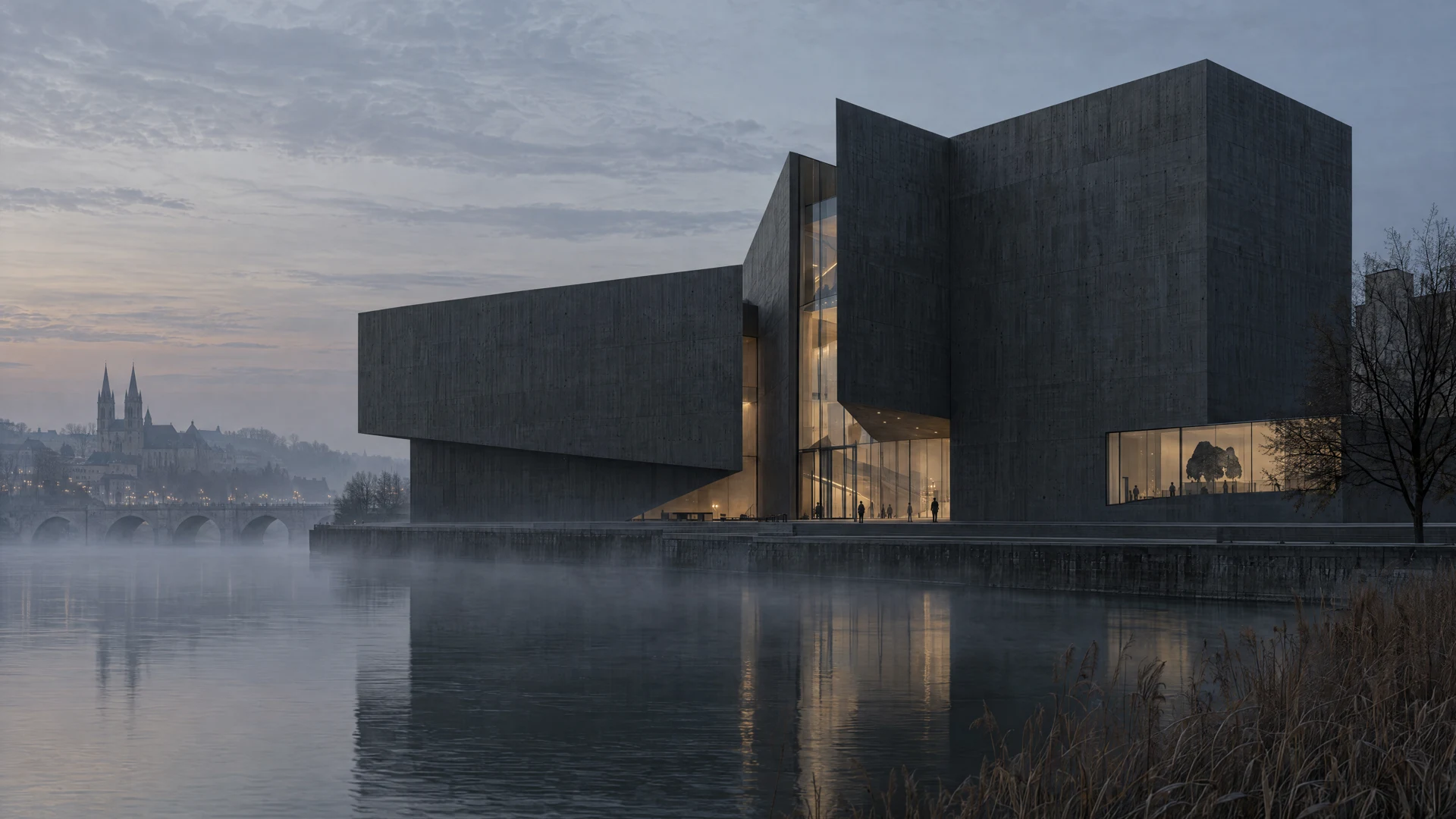
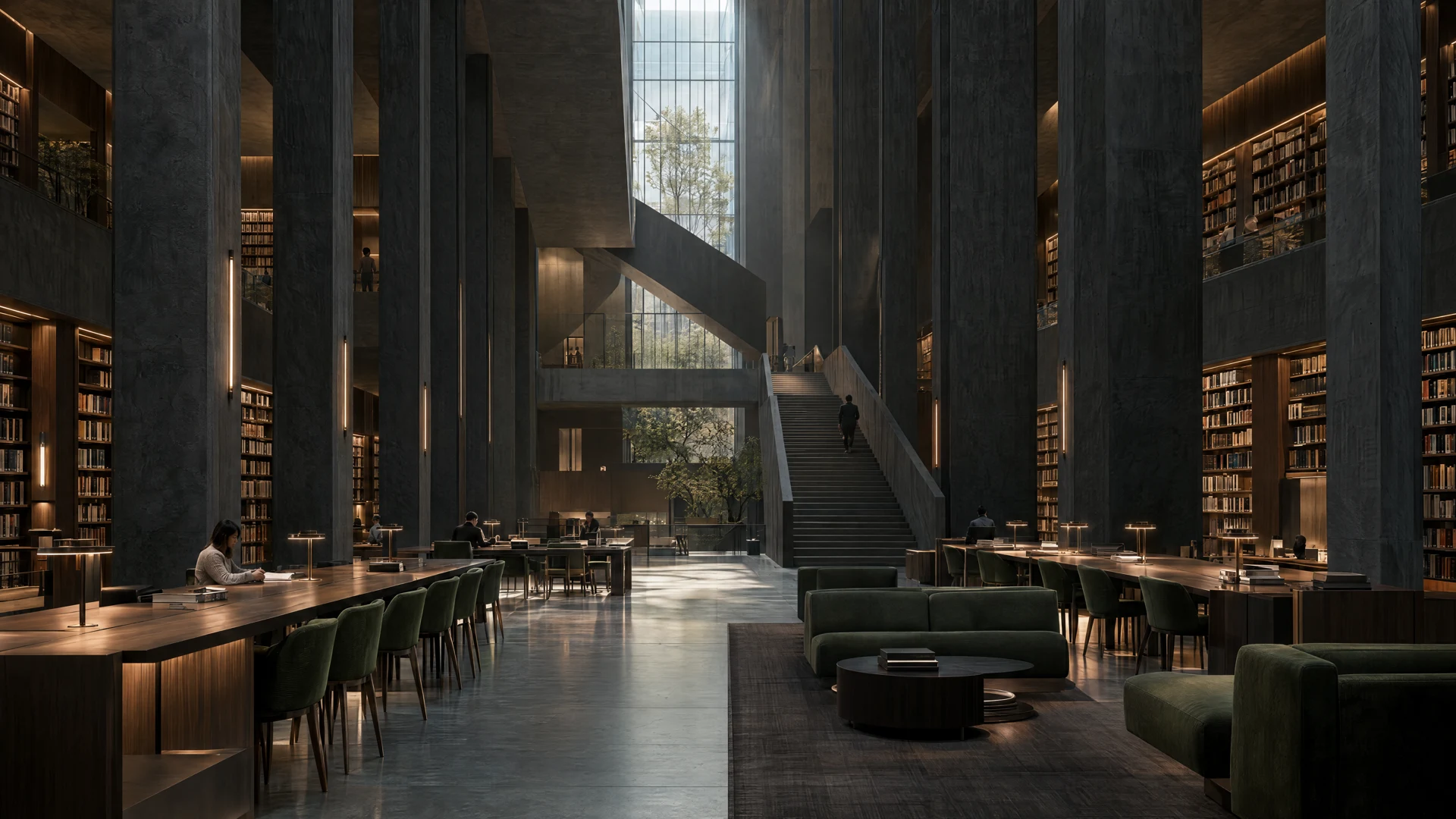
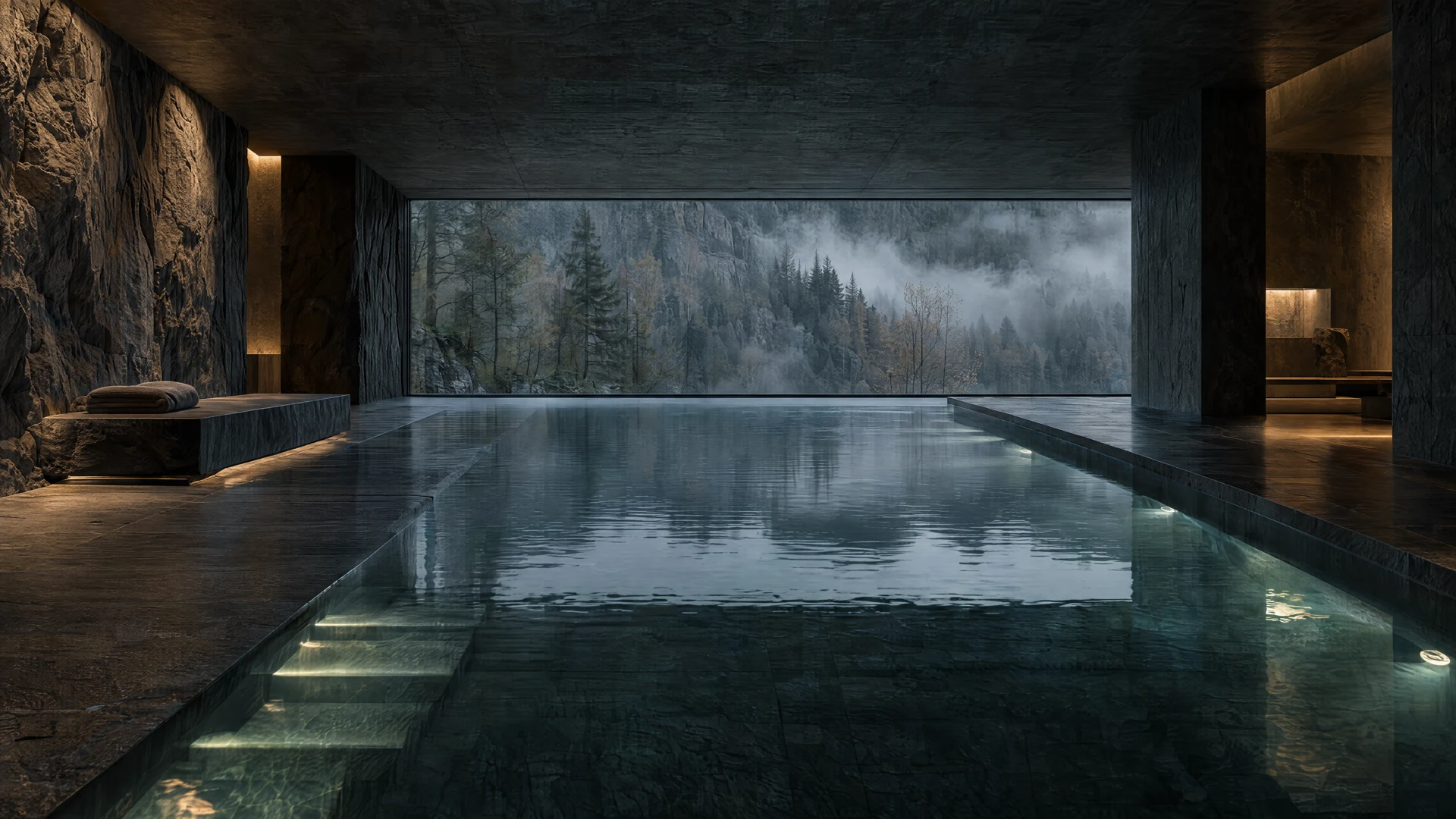
AI-generated architectural and spatial studies.
Cinema Studio
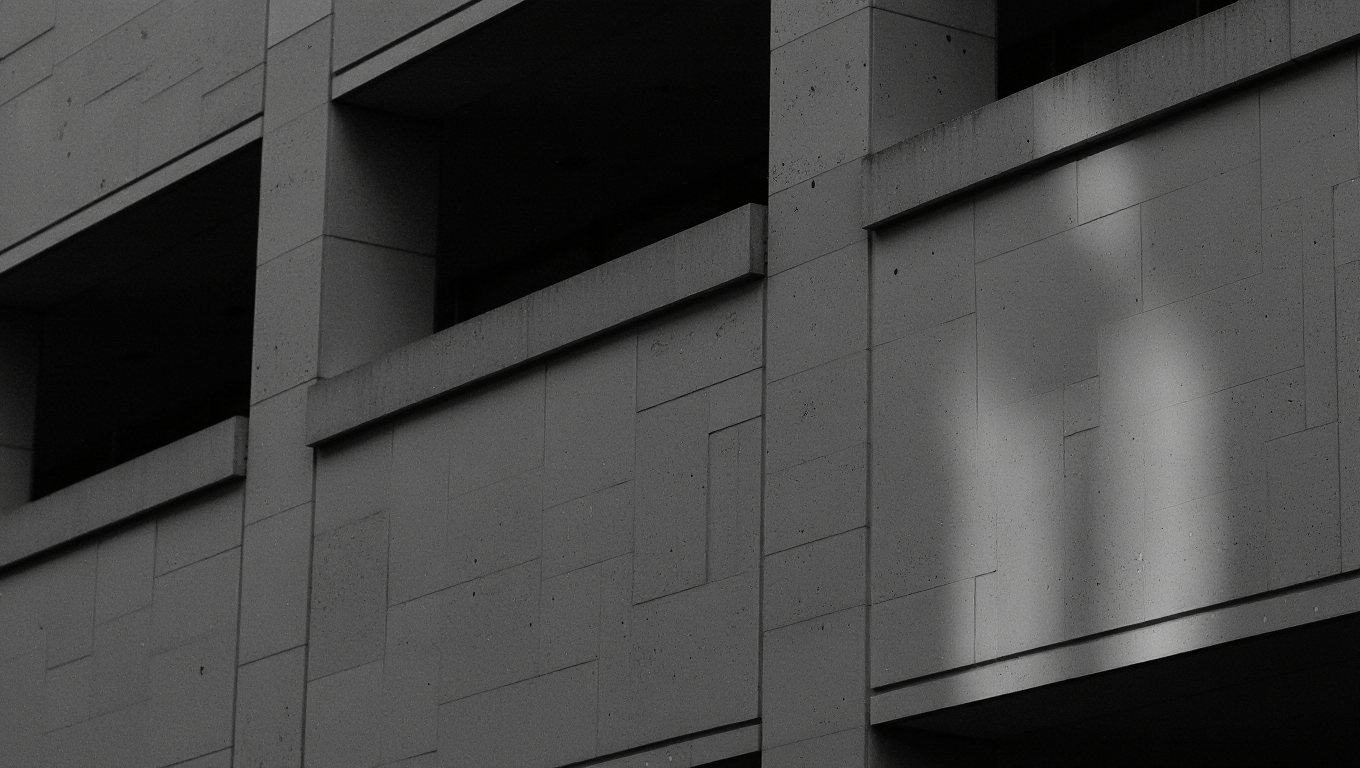
Architecture has
more than one
good side.
Develop image and video ideas that tell your project's story from new perspectives. For presentations that show more than a floor plan.
Discover Cinema Studio ↗Around your ideas
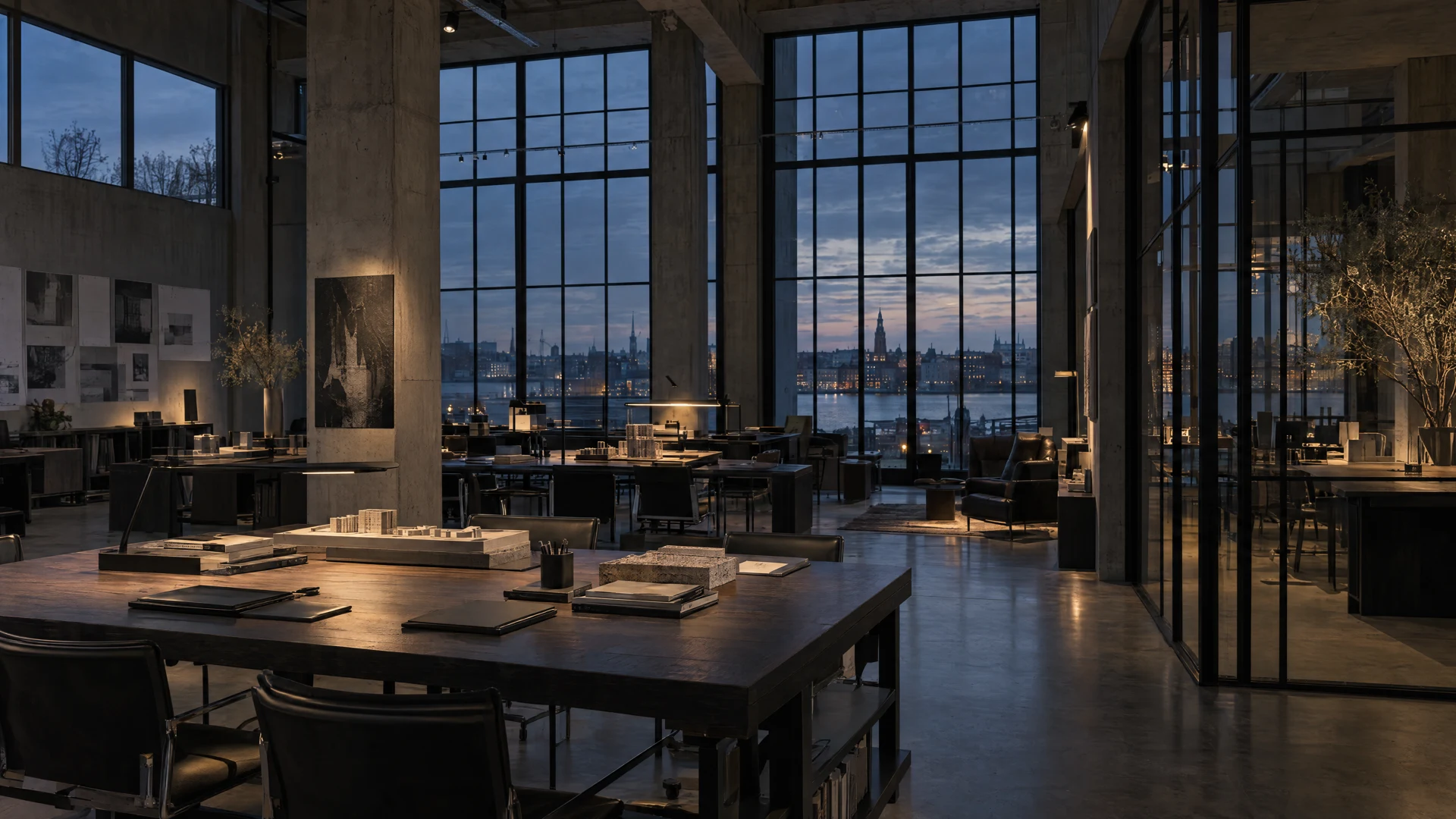
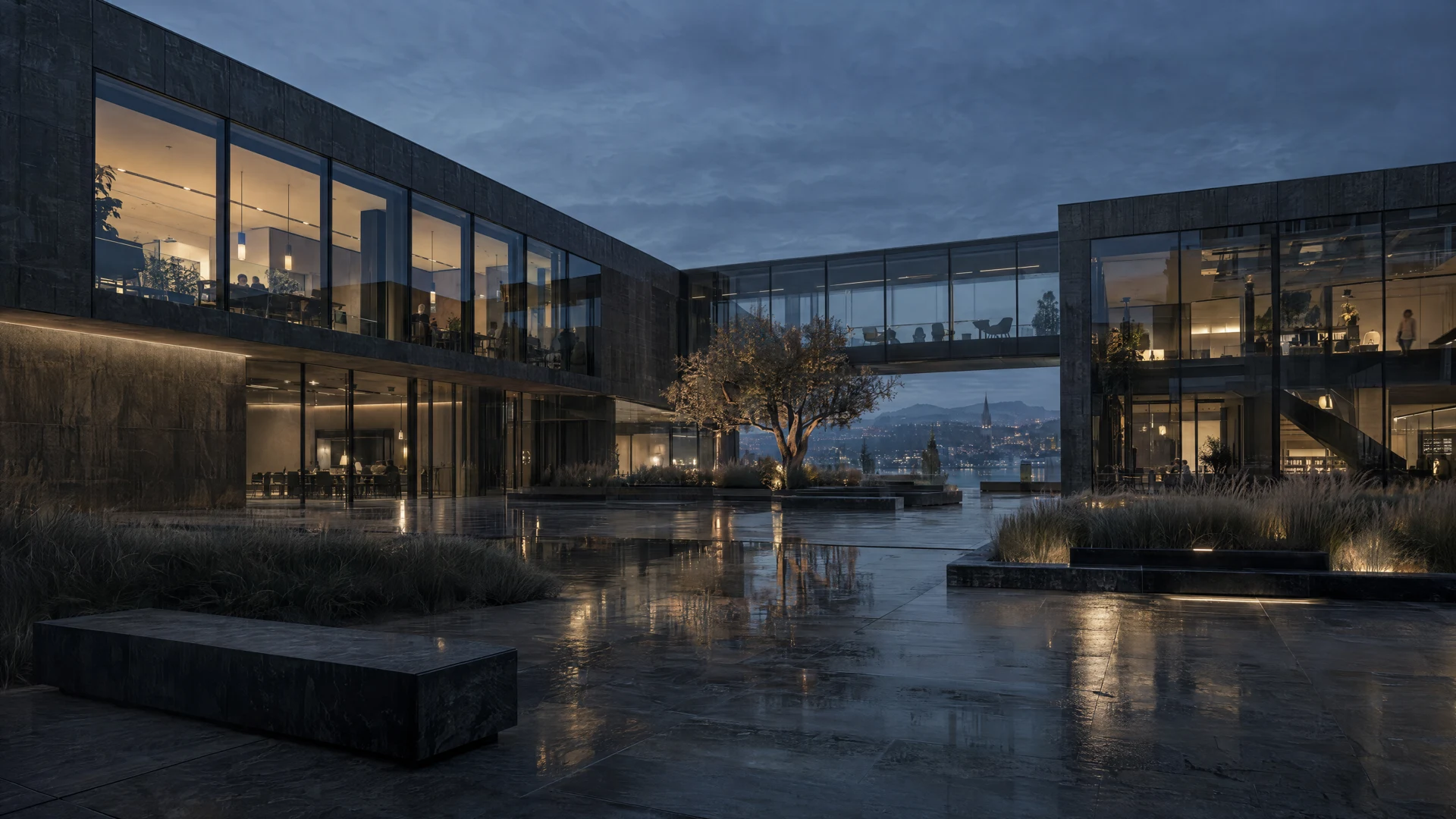
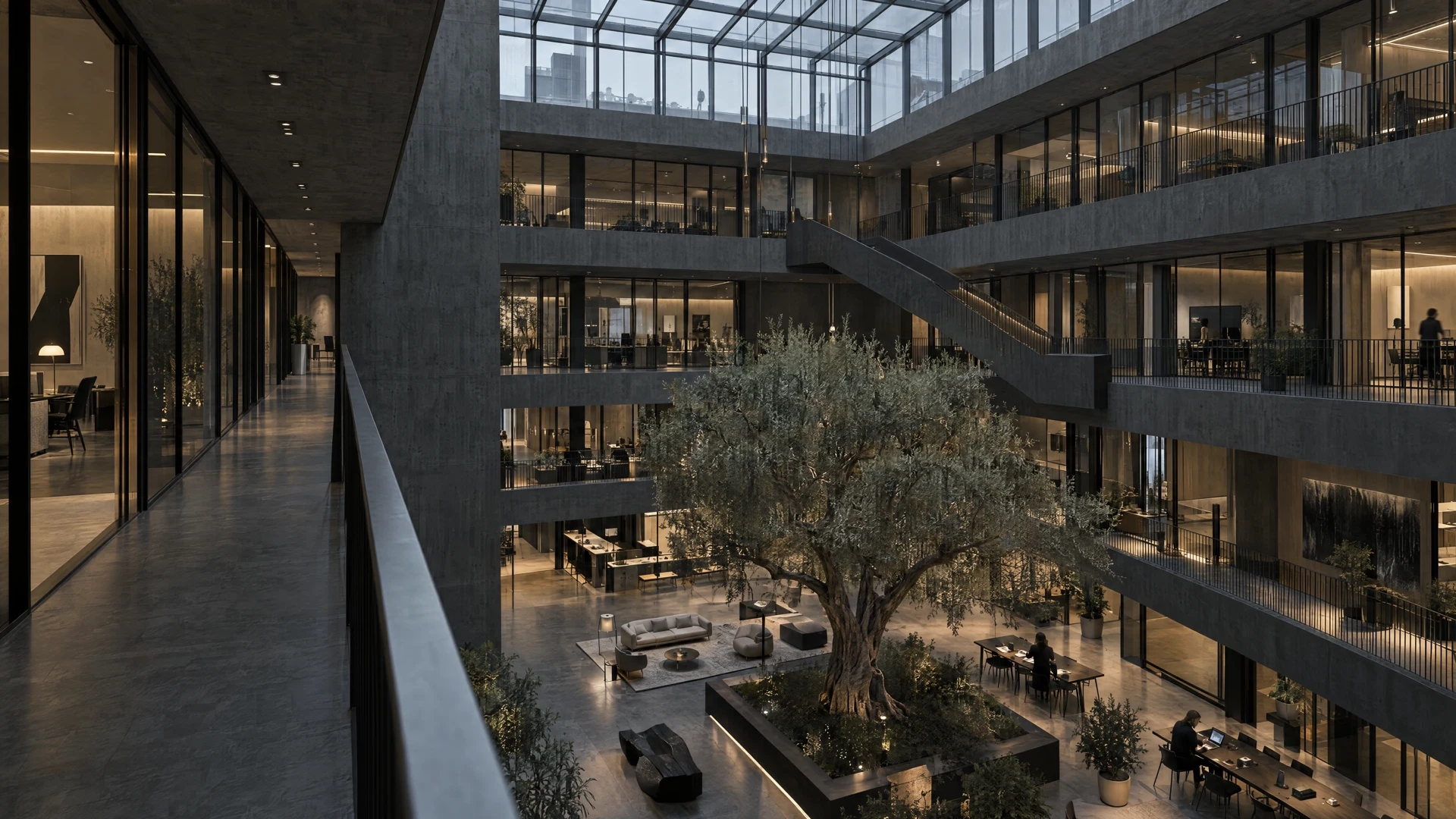
A project is
more than a single image.
Keep your concept work and results together, from the first thought to the next presentation.
Good to know
Before your first
idea in the studio.
A few answers to help you get started.
Who is Serlio for?
For architecture, interior design and real estate teams who want to visualize designs, develop ideas and present projects clearly.
What can I start with?
Depending on the tool, start with text, a sketch or an existing room image. The workflows above take you to the right process.
Will my design be preserved exactly?
AI images are design suggestions. Check geometry, details and materials before using them. A visualization does not replace a binding plan or technical review.
How do Render Studio, Canvas and Cinema differ?
Render Studio is designed for working with floor plans and spatial ideas in 2D and 3D. Canvas connects image tools into workflows. Cinema Studio brings image and video generation together.
Your next project
From “imagine”
to “take a look”.
Make your next idea visible.
With the tools that suit you.